Your day,
recorded by itself
Start it in the morning and leave it alone. Afoot records your walks, runs, rides and drives, and sorts them into separate activities.

Data Not CollectedRecords offlineGPX export
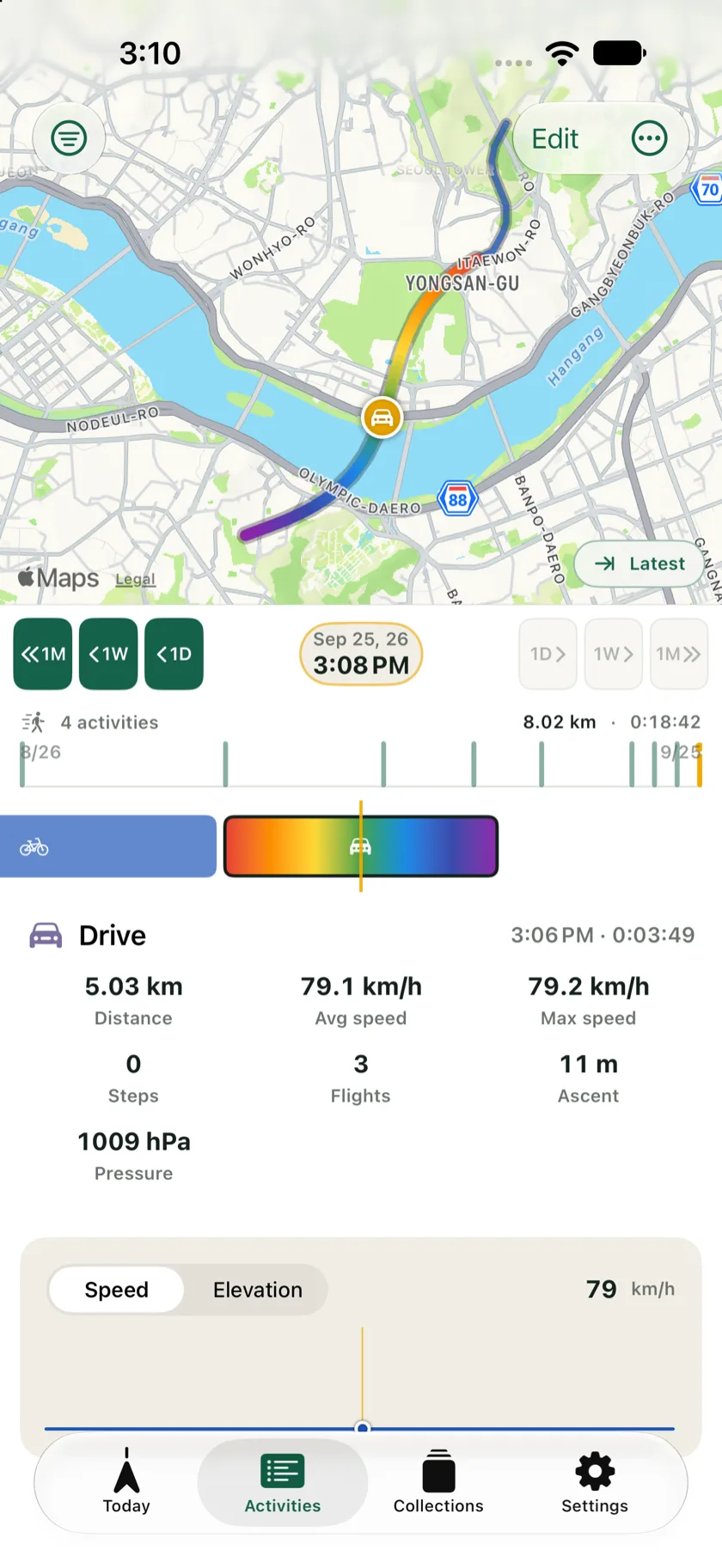
Start it in the morning and leave it alone. Afoot records your walks, runs, rides and drives, and sorts them into separate activities.
No account, no server. Recordings stay on the device. Afoot reads your photos on the phone and uploads none of them. Nothing is sent to us, because there is nowhere to send it.
Afoot's privacy label reads Data Not Collected.
There is no backend. No one on this end can look at your routes.
Walk with Airplane Mode on. Map tiles stop loading, but the route still records. App Privacy Report will show nothing beyond Apple’s own servers.
Ad SDKs bring tracking with them, so there are none.
Press Start and put the phone away. It keeps recording until you stop it.
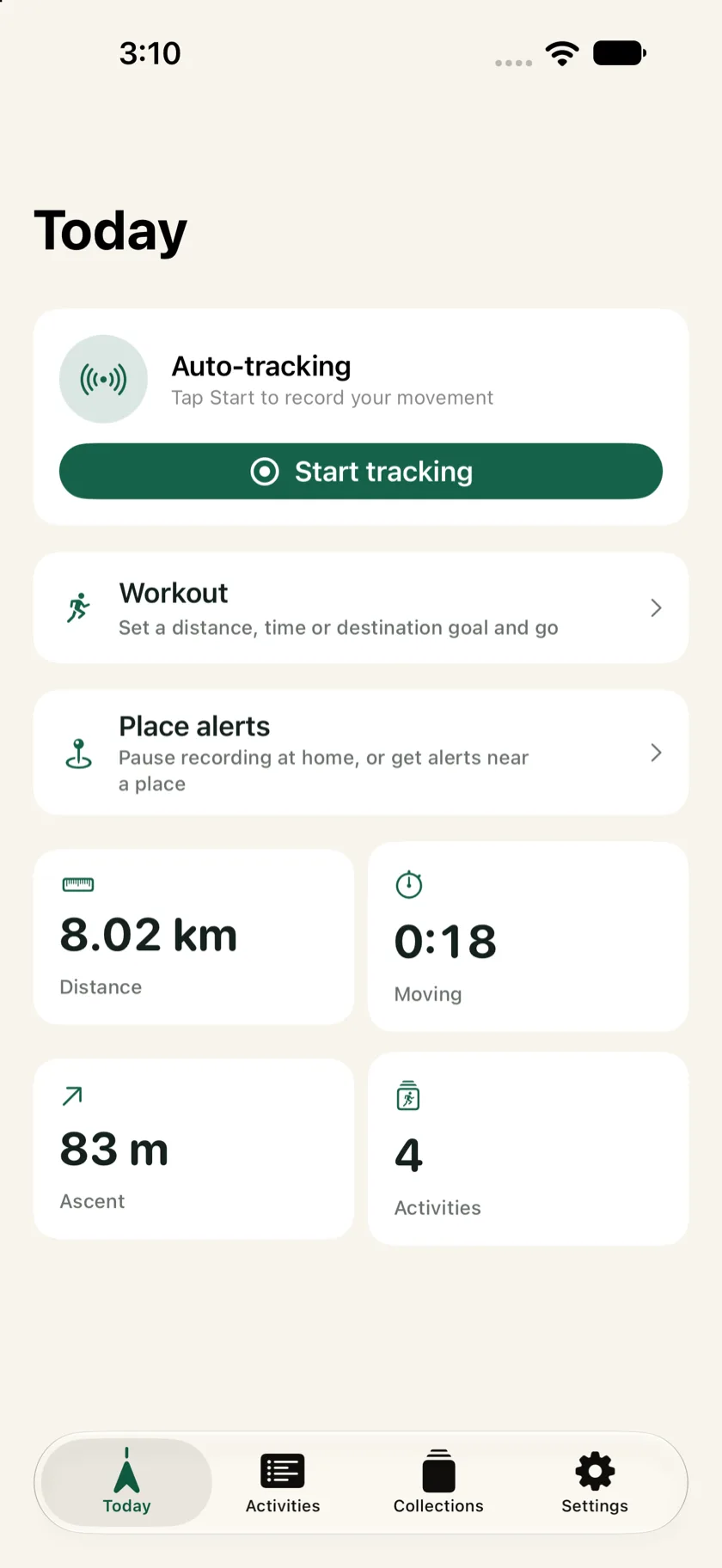
Speed and motion sensors sort out the type. A ferry ride shows up as a boat. The rests in between split the day into separate activities, each drawn on the map.
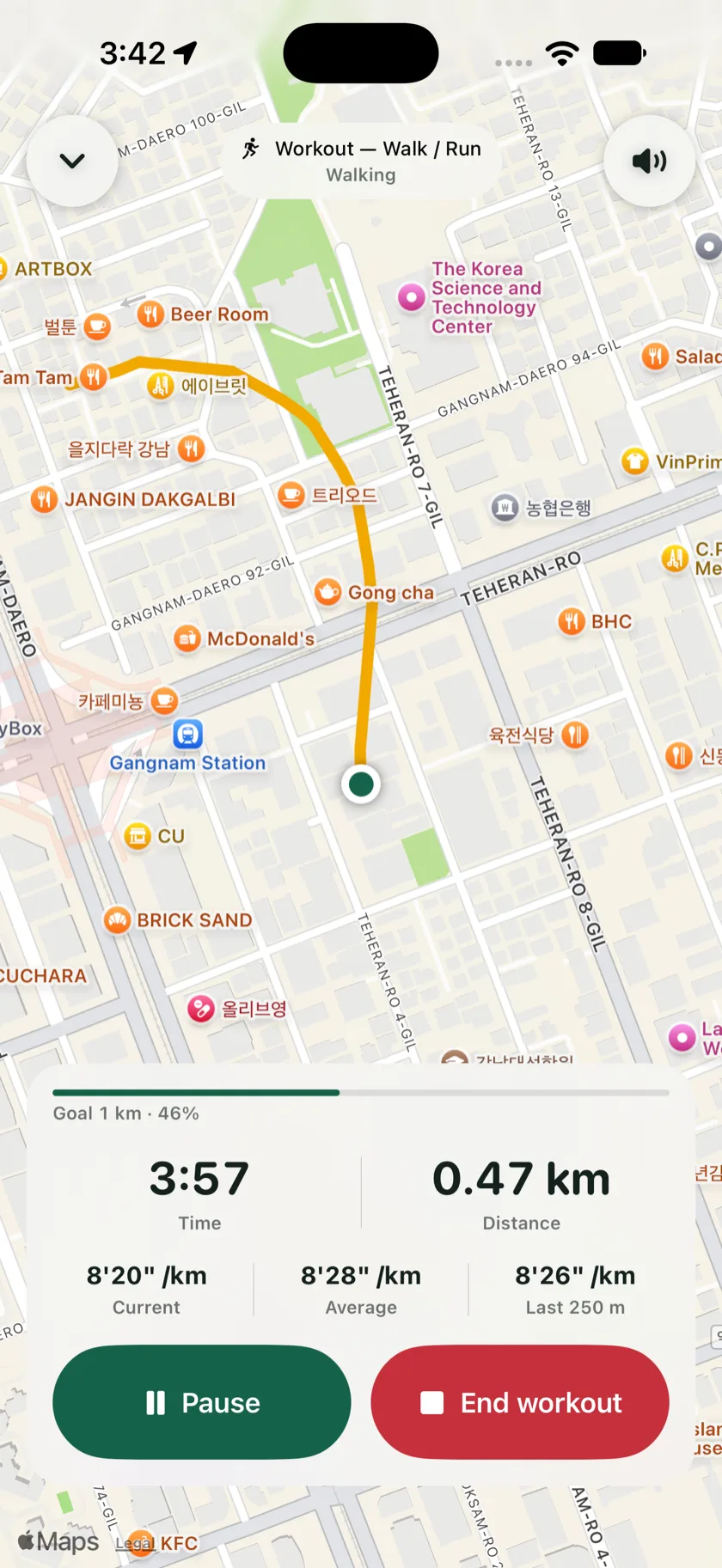
Pick cycling, walk/run or hiking and set a goal by distance, time or destination. Afoot tells you out loud how far or how long you have left. When you finish, the workout is saved with your pace (speed on a bike) and estimated calories.
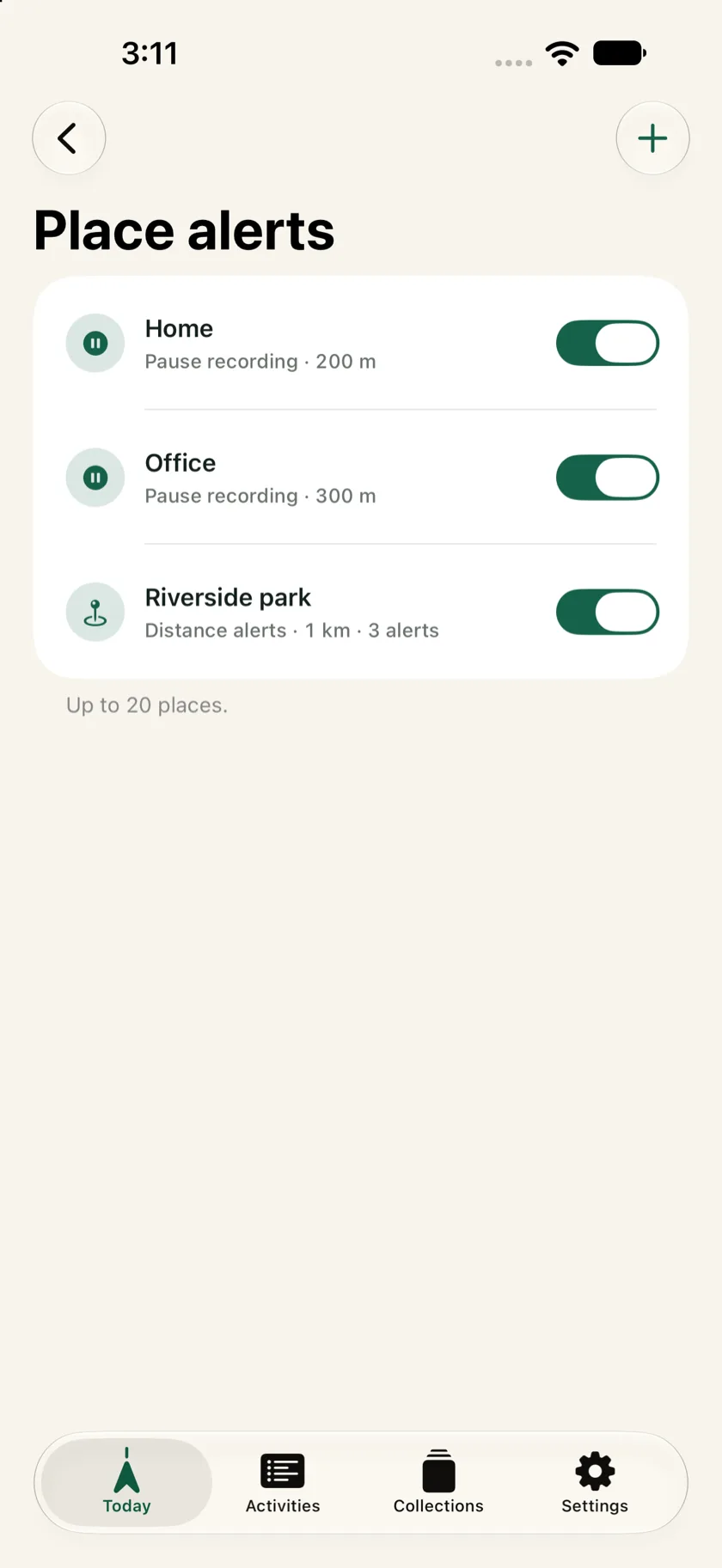
Save home or work and recording pauses while you're there, then picks up when you leave. Save a place you're heading to and Afoot tells you how far you have left as you get closer.
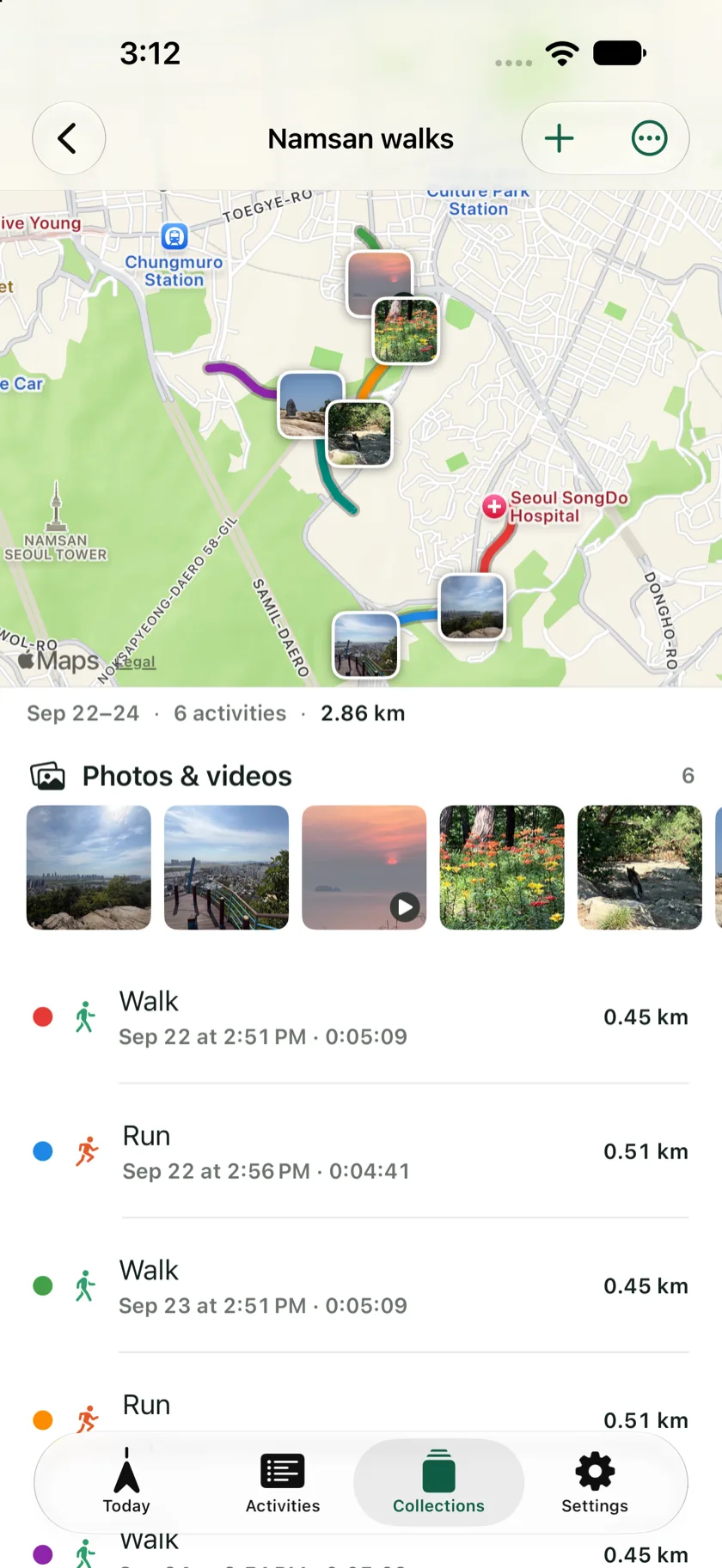
Group related activities into a collection and see them on one map. Photos and videos from the trip show up where you took them. You can export the whole collection as an image or a video.
Export an activity as GPX, the format most fitness and mapping apps read.
Split, merge, or change the type on the timeline.
Face ID or a 6-digit passcode.
Only for Place alerts. Recording keeps going in the background with “While Using the App” too. Place alerts need “Always” so iOS can tell Afoot when you arrive at or leave a saved place, even when you're not recording.
GPS uses power while recording. When you stop moving the system pauses updates, and after two hours without movement Afoot ends the session and tells you.
Yes. In the Activities tab, ⋯ → Add to collection puts an activity into a collection; the Collections tab shows every activity in it on one map.
iOS shuts down background apps when memory runs low. Afoot restores the session, and sends a notification if it can't.
No. Afoot reads your photo library on the phone to find them and doesn't change the originals.
Activities → ⋯ → Export GPX.